This asset has already been added to the cart.
| PBR | |
| Bitmap | |
| Procedural | |
| Tileable | |
| Animated | |
| Zipped size | 48.94MB |
| Unzipped size | 48.94MB |
| Issues? Report this asset | |

Social
ArtStation
Telegram (Russian Community)
Discord
YouTube
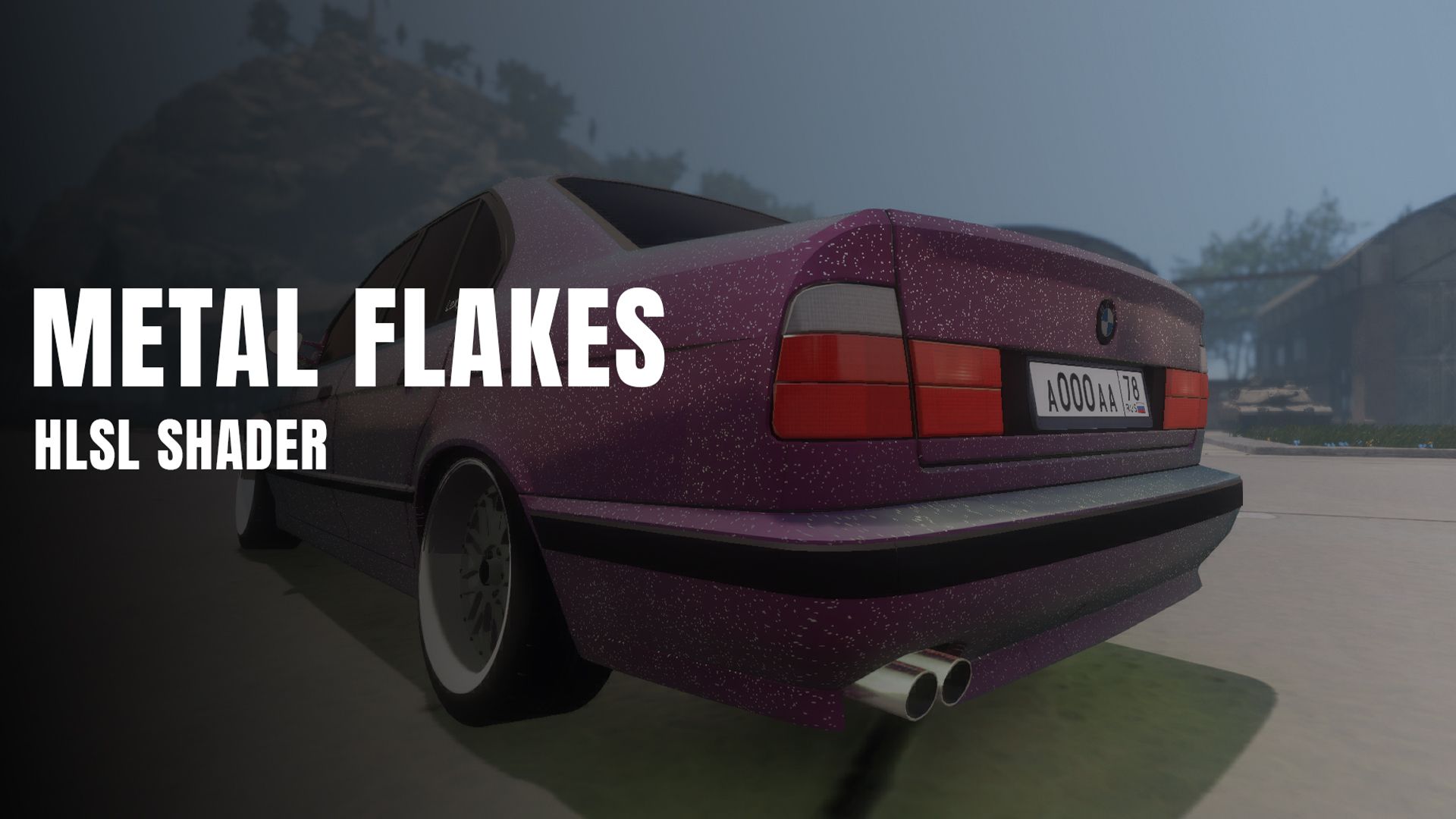
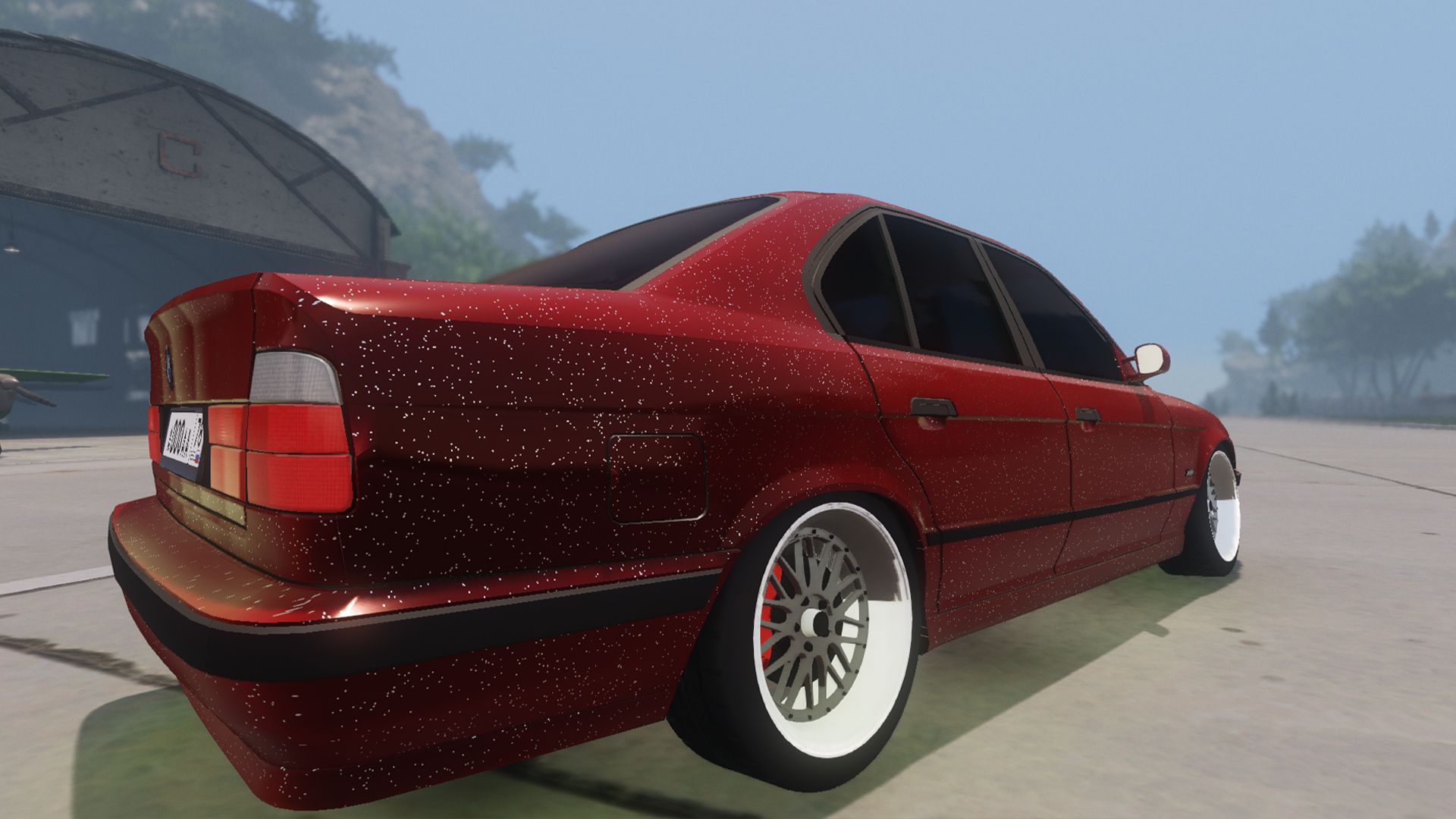
Custom PBR car paint shader package featuring a dual-color flip/flop (chameleon) effect and procedural metallic flakes for CryEngine 5
Key Features
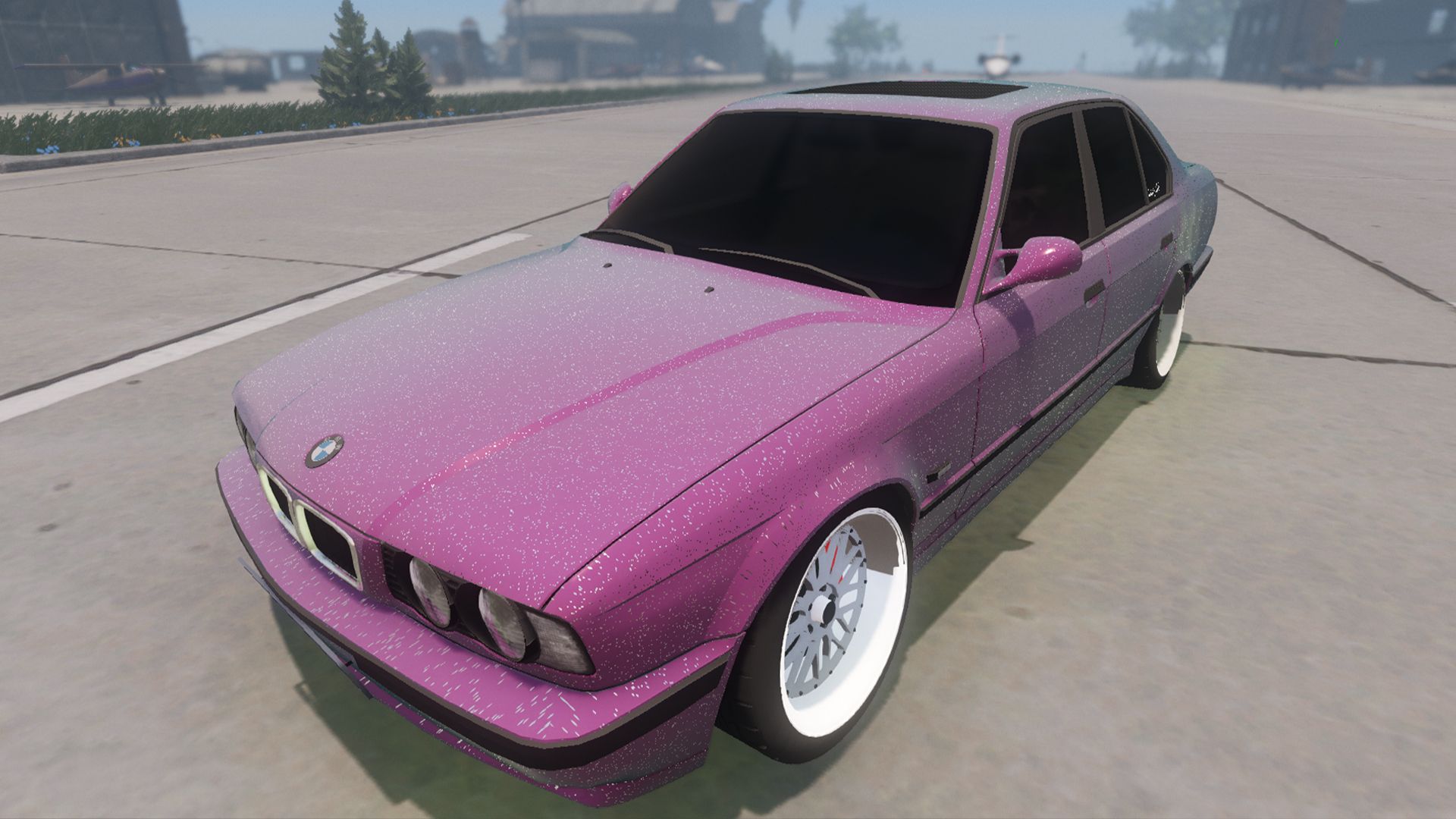
Dual-Color Flop / Chameleon Effect: Smooth view-dependent color shifting between Primary Base Color and Secondary Flop Color based on N⋅V surface orientation.
Procedural Voronoi Flakes: Dynamic sparkle highlights generated from micro-flake normal perturbations under direct light sources.
PBR & Pipeline Integration: Designed specifically to integrate with CryEngine's Deferred and Forward shading architecture without binary parser errors.
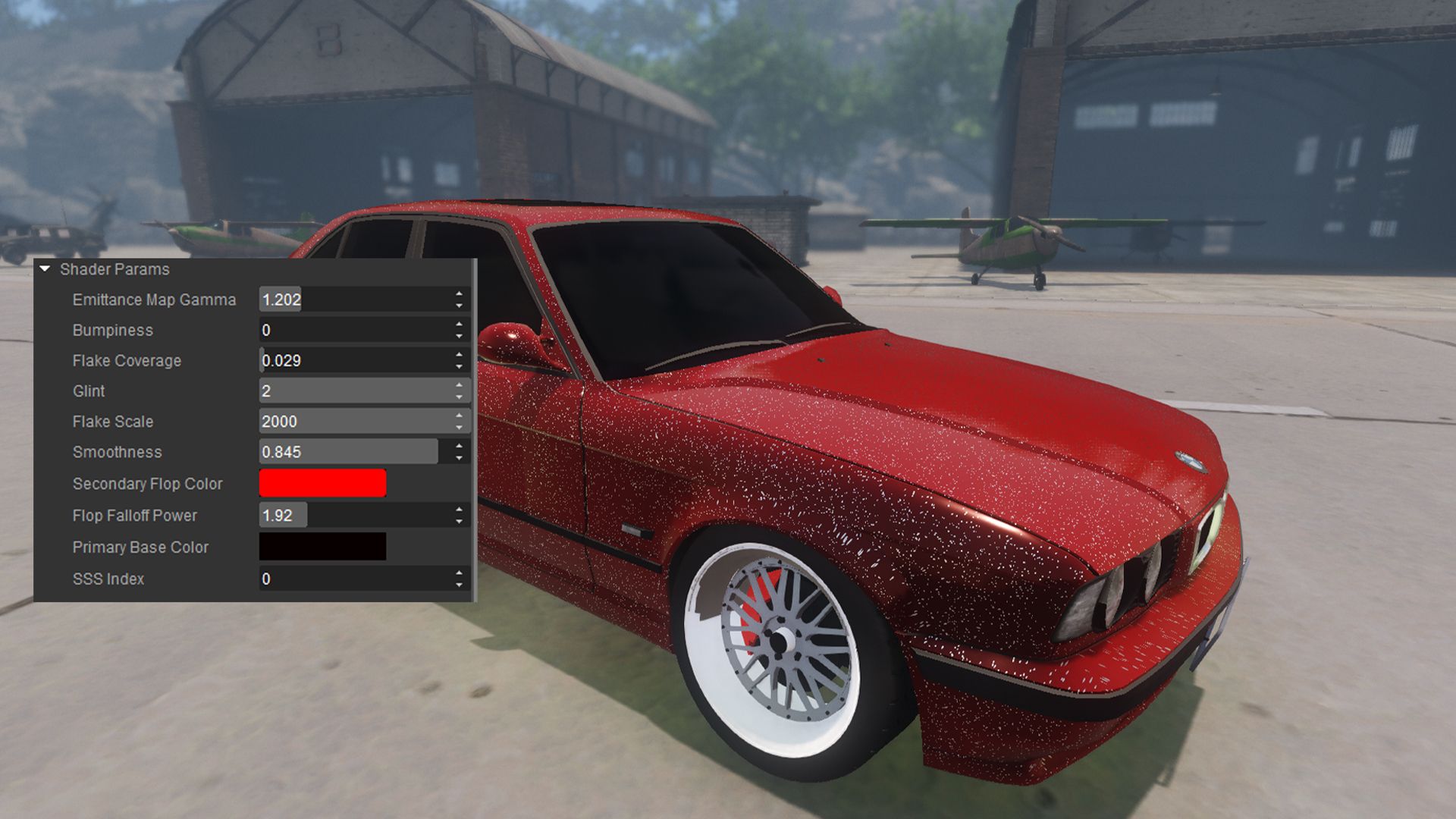
Material Editor Parameter Control: Comprehensive control over primary/secondary base colors, falloff exponent, flake scale, surface bumpiness, glint brightness, and smoothness.
Shader Source Files:
MetalFlakesPOM.cfx — Core pixel and vertex shader implementations.
MetalFlakesPOM.ext — Shader property flag definition file.
MetalFlakesZPass.cfi — Secondary include file for depth pass rendering.
Test Geometry: BMW E34 3D mesh (by Myedsu) for evaluating surface response on curved geometry.
Documentation: Installation instructions (README) in English, Russian, and Chinese.
License & Terms
Shader Code (.cfx, .ext, .cfi): Unrestricted commercial and non-commercial use permitted in any project.
BMW E34 3D Model: Copyright owned by Myedsu. Commercial usage is STRICTLY PROHIBITED (restricted to non-commercial evaluation and testing only).
Installation
Move MetalFlakesPOM.ext to Engine/Shaders/.
Move MetalFlakesPOM.cfx and MetalFlakesZPass.cfi to Engine/Shaders/HWScripts/CryFX/.
Copy the model folder from ASSET_OBJECTS to GameSDK/Objects/.
CRITICAL: Delete the shader cache directory at <Project_Folder>/USER/Shaders/Cache before starting Sandbox Editor to trigger re-compilation.
1.5.2
October 08, 2026