This asset has already been added to the cart.
Free
| Version number | 1.0 |
| Operating system | Windows |
| Zipped size | 14.68MB |
| Unzipped size | 14.68MB |
| Issues? Report this asset | |

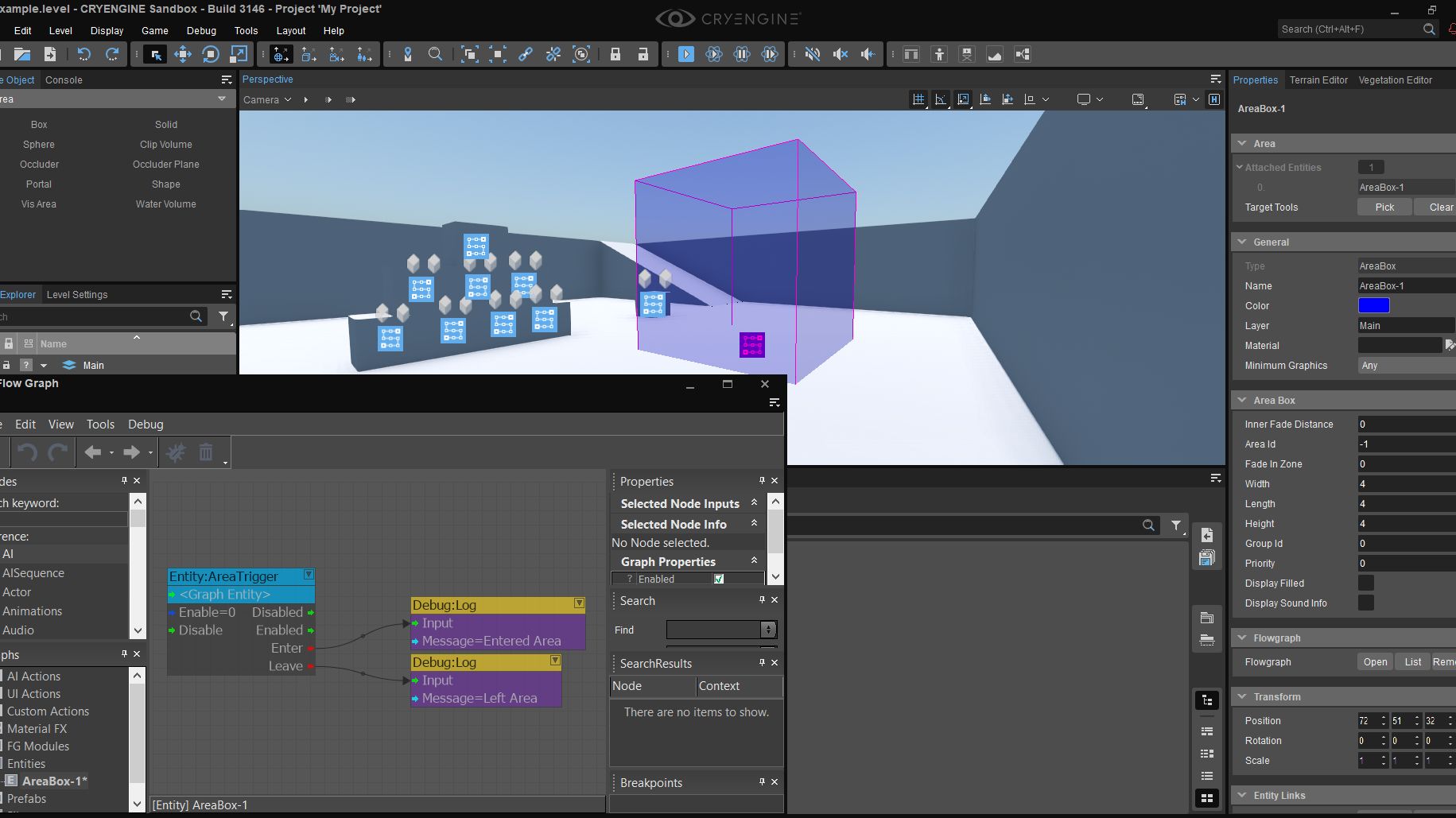
This is an ECS implementation of AreaTrigger.
How to install the plugin to your project:
- Download the files in this repository (either by cloing or via zip download)
- Open the bin folder and then inside that, move the two folders called win_x64 and win_x64_release into your CryEngine 5 project's bin folder (don't replace if prompted)
- Open your CryEngine 5 project's Game.cryproject in a text editor and look for this line
{ "guid": "", "type": "EType::Native", "path": "bin/win_x64/Game.dll" }
- Add a new entry underneath so that it now looks like this
{ "guid": "", "type": "EType::Native", "path": "bin/win_x64/Game.dll" },
{ "guid": "", "type": "EType::Native", "path": "bin/win_x64/ECSAreaTrigger.dll" }
How to use it in Sandbox:
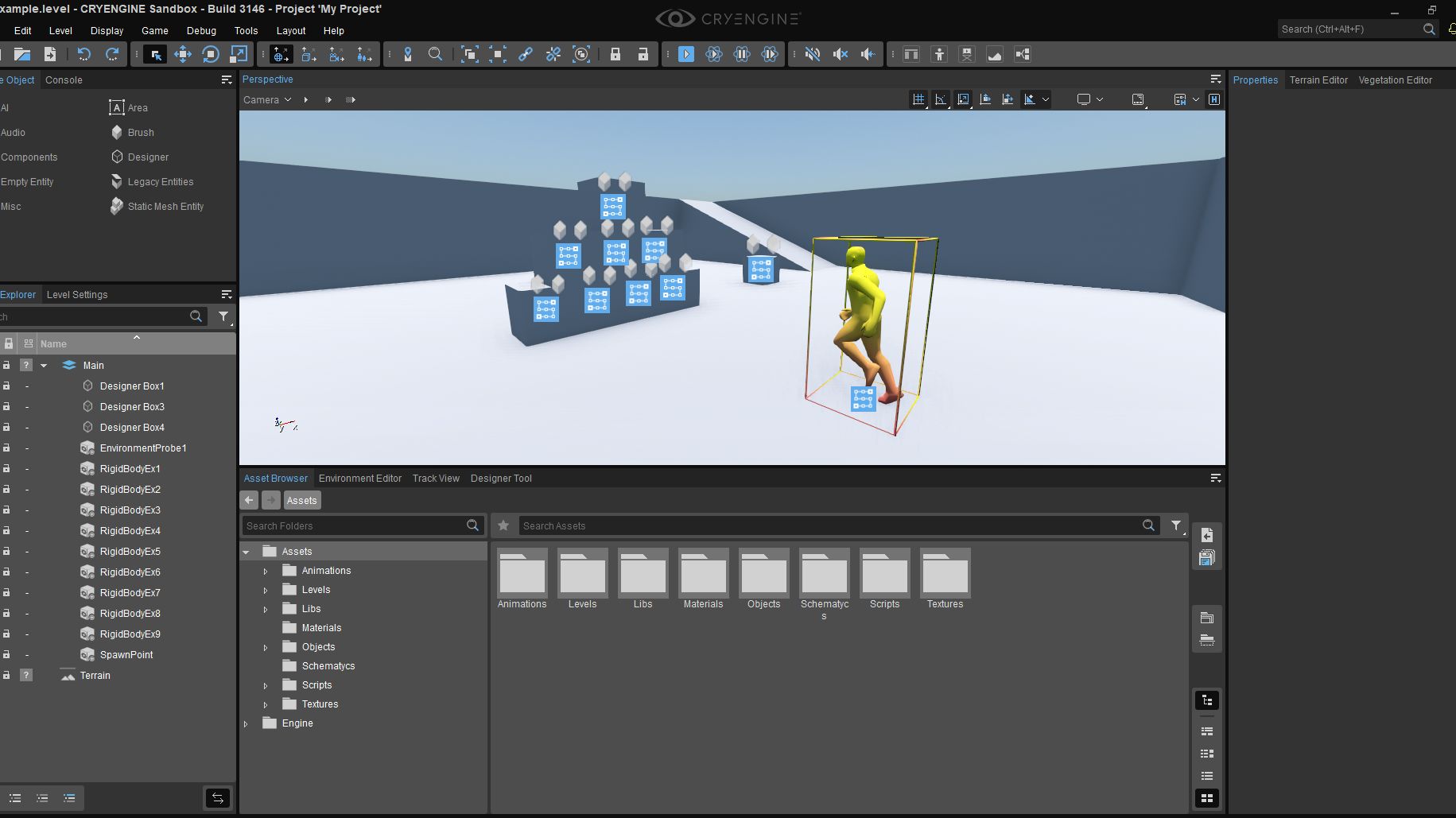
- Add the Area Trigger component to an Entity (preferably an Area Entity)
- In the Attached Entities category at the top, use the Pick button to select the Areas you want to become a trigger
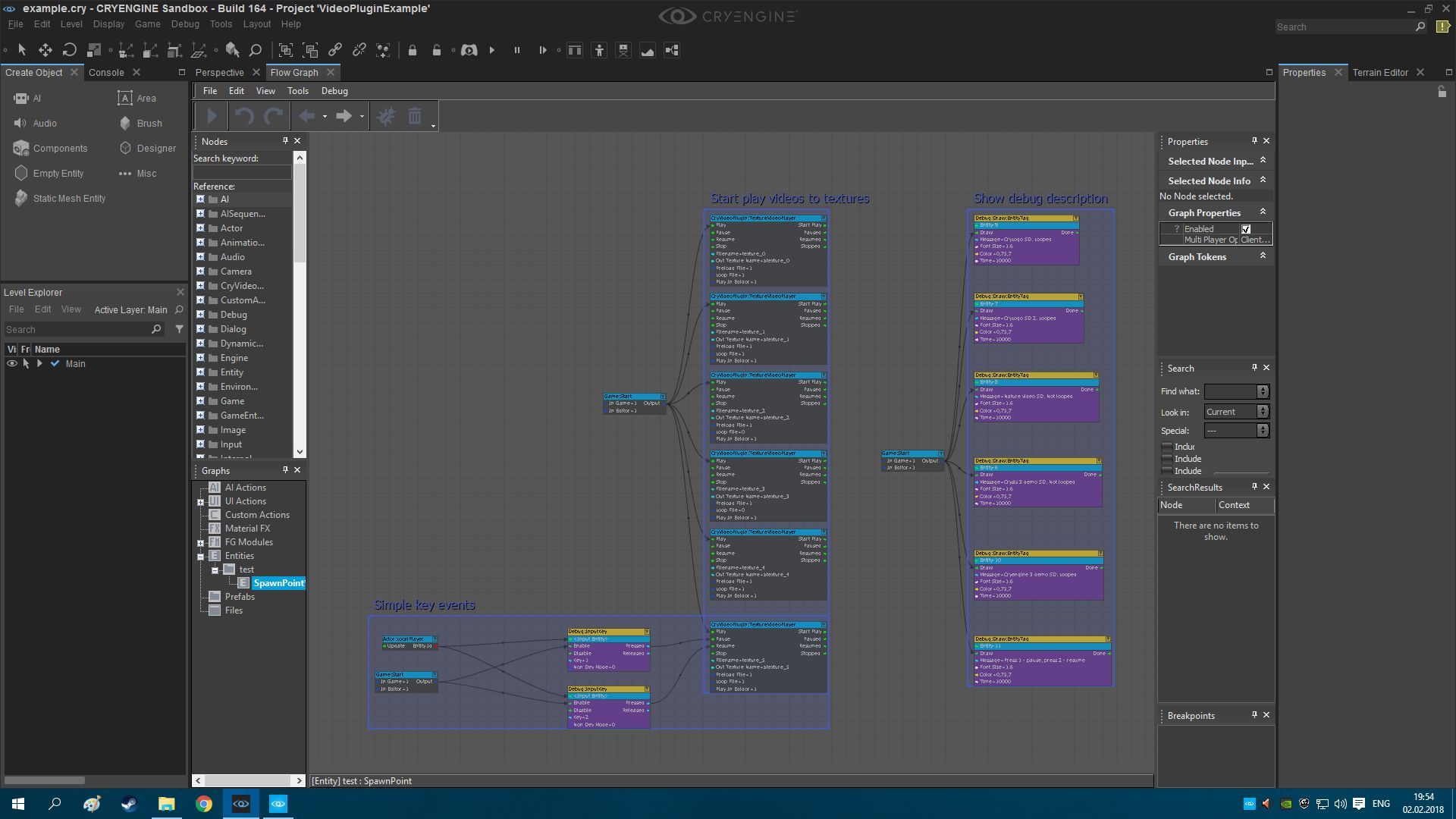
- Open the Entity's FlowGraph and create the AreaTrigger node which can be found in Entity > AreaTrigger
- Right click the red area where it says Choose Entity and then click Assign Graph Entity
1.0.0
October 08, 2026
Related Assets

User guide
Take a look at our guide if you have any questions or issues related to downloading assets.
Contributor guide
Our guide has all the answers about becoming a contributor to our asset database.
Asset submission
Find out more about the requirements for submitting your assets.
Asset DB support
You can contact us directly about any questions or concerns.