This asset has already been added to the cart.
| Operating system | Other |
| Zipped size | 1.00MB |
| Unzipped size | 1.00MB |
| Issues? Report this asset | |

Easily Add Sound Effects to Physics-Driven Objects
This component lets you seamlessly integrate sound effects into objects influenced by physics, enhancing immersion and realism.
Installation
Copy the .dll file into the binaries folder of your CRYENGINE project: \bin\win_x64.
Open the .cryproject file and add a reference to the plugin:
{ "guid": "", "type": "EType::Native", "path": "bin/win_x64/PhysicsSoundManager.dll" }
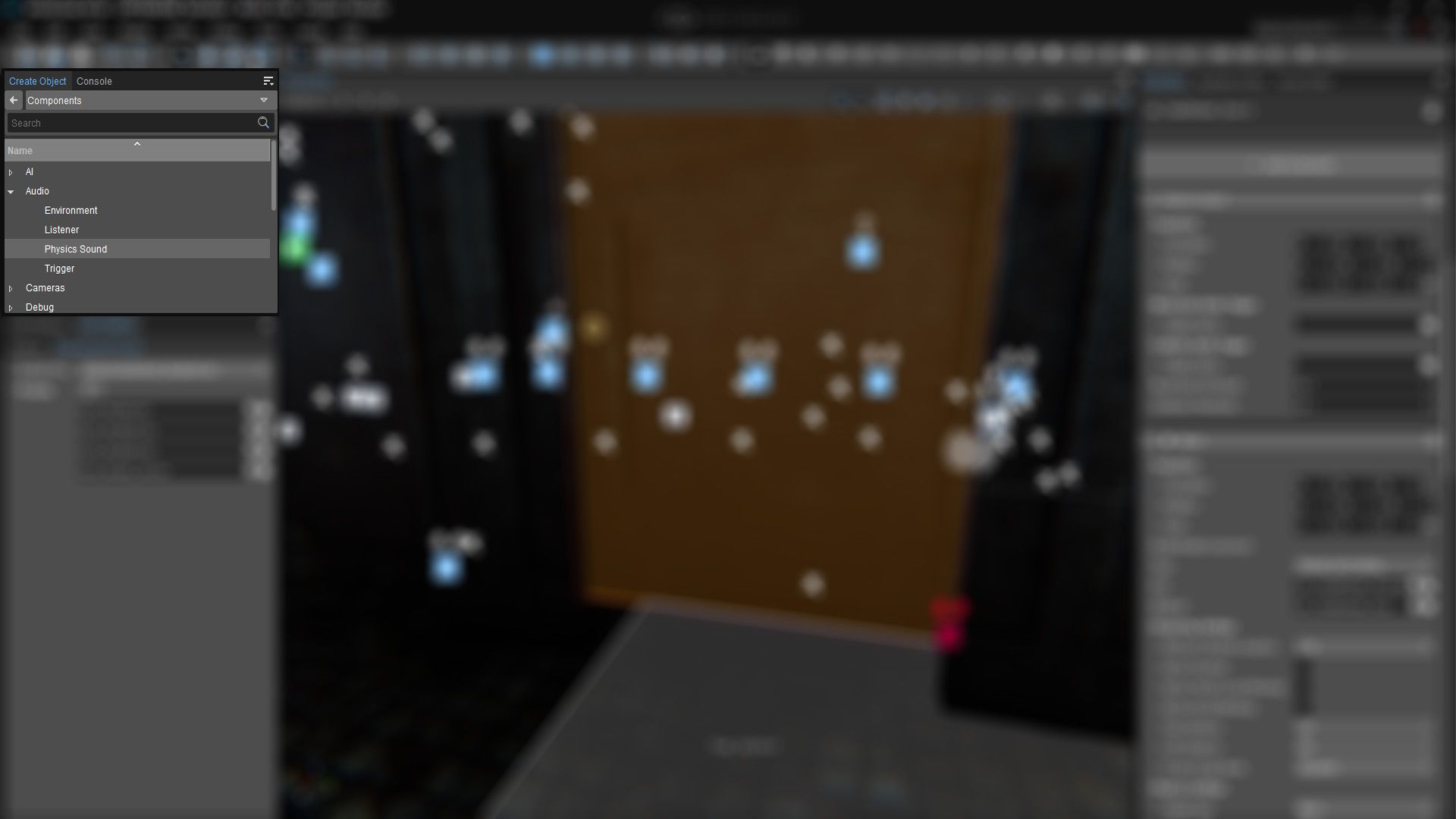
You’ll find the component under Audio → Physics Sound.
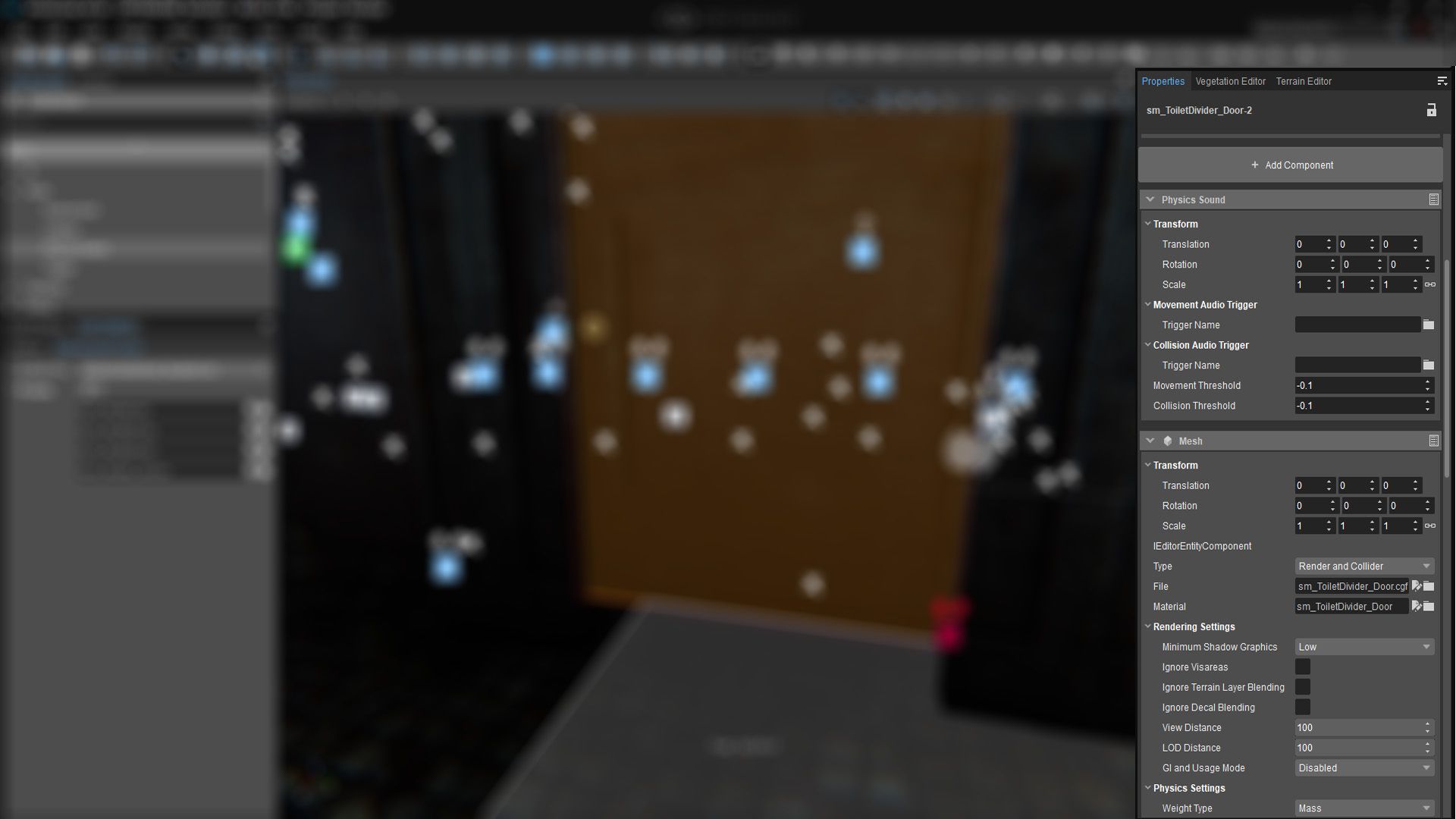
To use it, add a geometry to your scene, then click Add Component in the entity properties.
Ensure the component is part of the same entity as the geometry—otherwise, it won’t function correctly.
Audio Trigger Settings
When adding a trigger in CRYENGINE, set the movement sound effect to loop, ensuring continuous playback when the object moves.
The collision sound should be configured to play only once per impact, preserving realism.
1.0.0
October 08, 2026